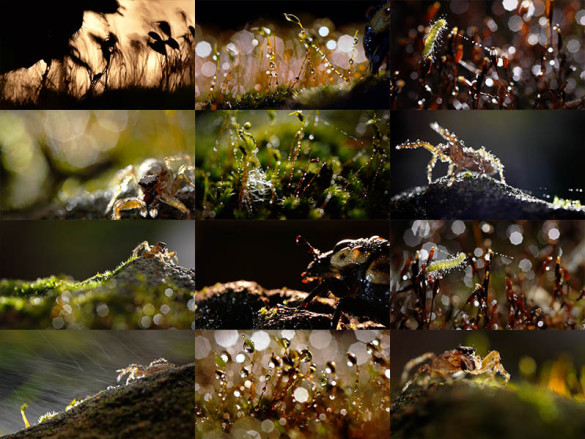
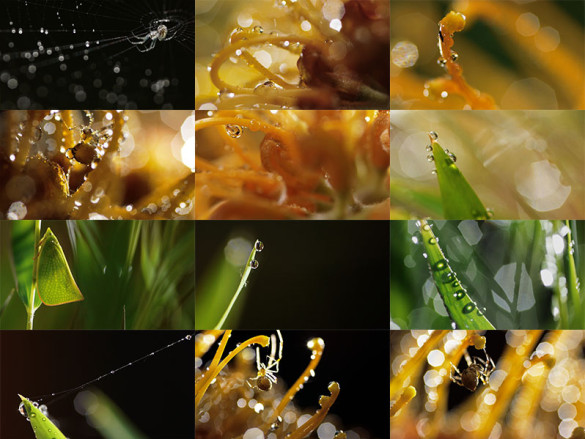
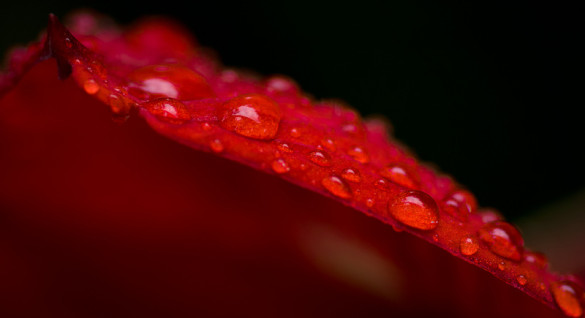
backyard creatures part 2

Posted in photography on January 29th, 2012 by Pawel


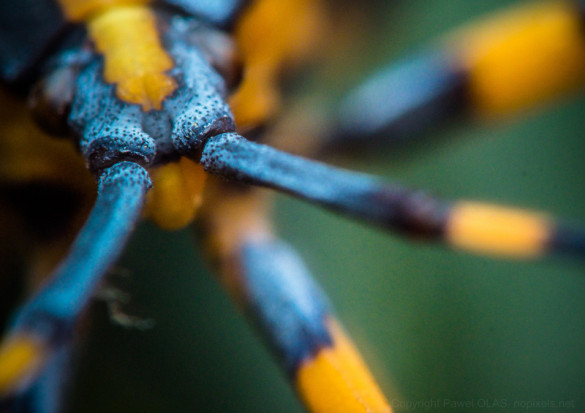
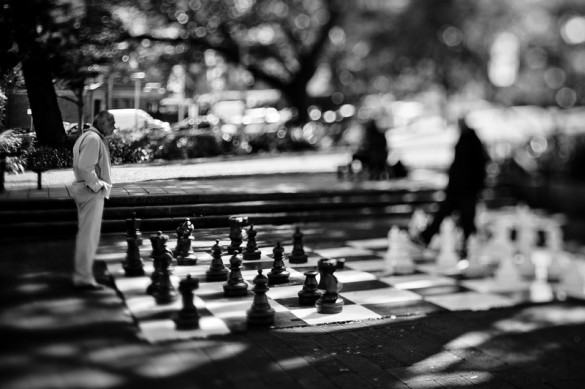
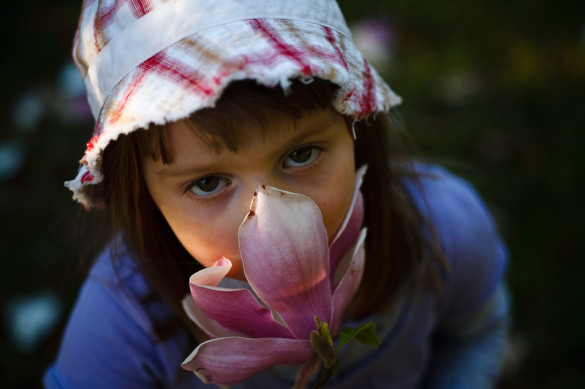
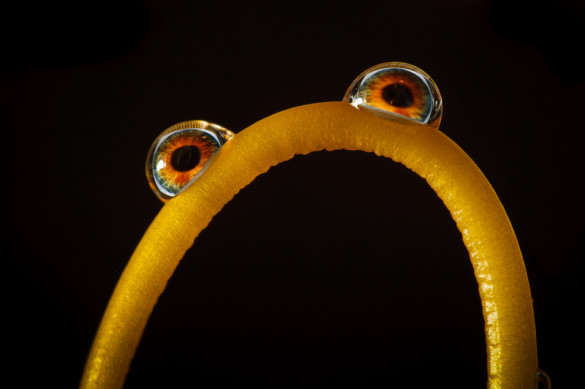
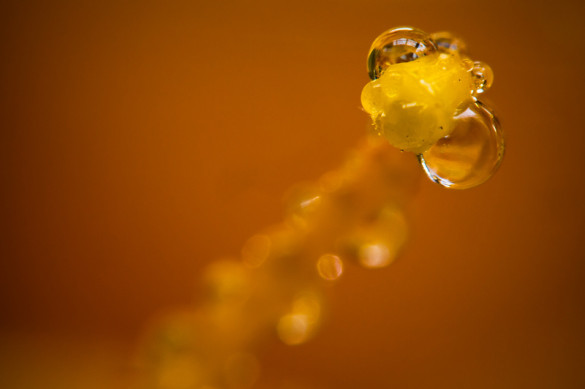
I came to realization that the same exact shots presented as photos would be something completely different. There are frames in this video that I would have considered my very best macro shots if they were taken as stills. A video however needs to have a story and a flow. A bunch of very different unrelated shots put together as video doesn’t really work but as photos can create an interesting collection. Here it is, second part of my macro explorations (part 1 available here):

Share
Tags: , , , , , ,

rain, spiders and other bugs in HD @100Mbit

Posted in photography on January 22nd, 2012 by Pawel


most first half of the video is shot @50Mbit that I thought was enough for my purposes. The second half is shot @100Mbit! The difference is huge! I’m surprised that my hacked GH1 has no problems with such high bit rate.


here is my “professional” setup with pink dolly, and lots of sticky tape :-)

Share
Tags: , , , , ,

SD15 + lightroom workflow

Posted in photography on October 6th, 2011 by Pawel


At the time I write this none of the Adobe products can properly read SD15 raw files. Luckily they support DP1s which is more or less the same hardware (AFE etc). With a fair bit of help from Roland and Arvo I came up with a way to convert SD15 files to a special DP1s format. By “special” I mean modified in a way that preserves highlights and gives good results in ACR. Most likely SPP will not read it properly. The current solution is set up for the daylight white balance (or similar).

here is a package that contains all you need:
http://nopixels.net/uploads/SD15_LR_hack.zip
you can use it to convert a single file or a whole folder:

>SD15_process_single.bat "c:\path\to\file\SDIM0343.X3F"
>SD15_process_folder.bat "c:\path\to_folder"

Files converted that way have a whole bunch of information missing (like lens, iso etc) as I primarily focused on getting the image part working. I might fix it one day but I just hope that meantime we get proper support from Adobe and this is only intermediate solution.

I also built a profile based on converted file (using Macbeth chart and Adobe DNG Profile Editor). With the above method I only update RAW data and the color transformation matrices in the file are left from DP1s. They are close as the hardware is very similar but not exactly the same. The profile makes sure that all the colors are spot on.

here is the profile created for my SD15:
http://nopixels.net/uploads/SIGMA DP1S sd15 hack 002.dcp

and examples (left SD15 in lightroom, right hacked and profiled SD15 in lightroom):

More samples and history of this workflow:
http://nopixels.net/sd15-struggle
disclaimer:
While I make every effort to deliver high quality products, I do not guarantee that my products are free from defects. My software is provided “as is,” and you use the software at your own risk.

I make no warranties as to performance, merchantability, fitness for a particular purpose, or any other warranties whether expressed or implied.

Under no circumstances shall I be liable for direct, indirect, special, incidental, or consequential damages resulting from the use, misuse, or inability to use this software, even if I have been advised of the possibility of such damages.

These exclusions and limitations may not apply in all jurisdictions. You may have additional rights and some of these limitations may not apply to you.

Share
Tags: , , , ,

SD15 struggle…

Posted in NF, photography on October 4th, 2011 by Pawel

I usually do not post any technical stuff here but this time I’ll make an exception. Recently my SD14 died (or rather drowned) and I had to get a replacement. What a better excuse to get a newer model of the camera! So I got SD15.
Now imagine my disappointment when I discovered that that model of the camera is not supported by Adobe! I’m talking about a camera released in 2010… still no support, No DNG, no Lightroom, nothing.
The sigma foveon sensor hasn’t changed for years so I got an idea of editing sd15 raw files to “convert” them to some older model that is currently supported. Luckily Roland Karlsson wrote an open source IO library for sigma x3f files so I didn’t have to start from scratch. I had a brand new camera and instead of taking photos I was wasting time trying to hack it…. anyway at the end with a great support from Roland (thank you mate!) I managed to swap RAW data in a DP1 file. The results however were even worse – all the photos were pink. Almost like shooting without the infrared filter. I dont give up easily so next I tried the newer (last supported by Adobe) DP1s. Bingo! The results were almost perfect. Below are 4 versions of the same file processed in different raw processors. The white balance was locked in the camera to “daylight” and wasn’t altered in any of them. Saturation was cranked up to better show differences in colour.


SPP 5.1

LR 3.5

silkypix

LR 3.5 (hacked RAW data)

As you can see LR default processing of SD15 is horrible. I cannot say I like SPP either but at least it is consistent between pictures and can be batch processed. Silkypix was the best from the three. To my total surprise my hacked SD15 processed in LR looks almost like silkypix!

I have a template DP1s file that I inject SD15 RAW data into. At the moment the lens info and all the metadata is lost but it doesn’t bother me as long as I can get good pictures.
It seems that base ISO of SD15 is set higher than in all previous sigmas and if I use DP1s ‘template’ file with the same ISO as SD15 RAW data then LR clips all the highlights. Using DP1s ISO50 ‘template’ with SD15 ISO100 is close to perfect. There is still something like .3 fstop difference and some highlights are clipped but I’m working on it. If I only could edit ISO data in the raw file and set it to 25 I believe LR would process them correctly. High ISO images in LR are totally unacceptable unless hacked with my method.

here is another example showing the difference (ISO 100):


SPP 5.1

LR 3.5

silkypix

LR 3.5 (hacked RAW data)

sanity check – DP1 (not DP1s) in lightroom

my biggest problem with lightroom and SD15 files is that colours are totally inconsistent. One photo can be tweaked to look correct and the same settings applied to another one give very strange results. The hacked files can be batch processed with a single preset!!
I think I’m getting close to have a solution :-)

click here for more (full res) examples

Share
Tags: , ,

pentax SMC 50mm 1.7

Posted in photography on May 22nd, 2011 by Pawel

I bought this lens on eBay a while ago for around $20 and had it just sitting on a shelf collecting dust. Finally time came for some DIY and after some modifications it fits my Sigma mount quite well. The first very pleasant surprise was to just look through the camera’s viewfinder, the picture is bright and clear. But quite often what we see through the viewfinder is not the same that ends up on a photo so I didn’t have high hopes (it is $20 lens, it cannot compare to my $1000 ones, right?). I didn’t want to waste time on usual boring tests, the weather was awesome so I just went outside and had some fun.
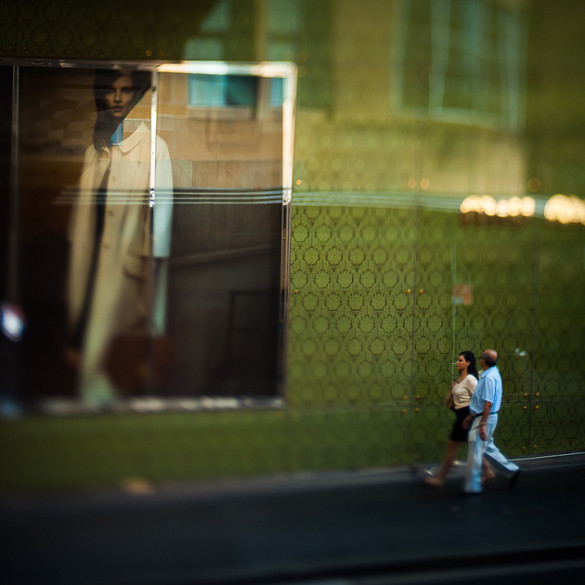
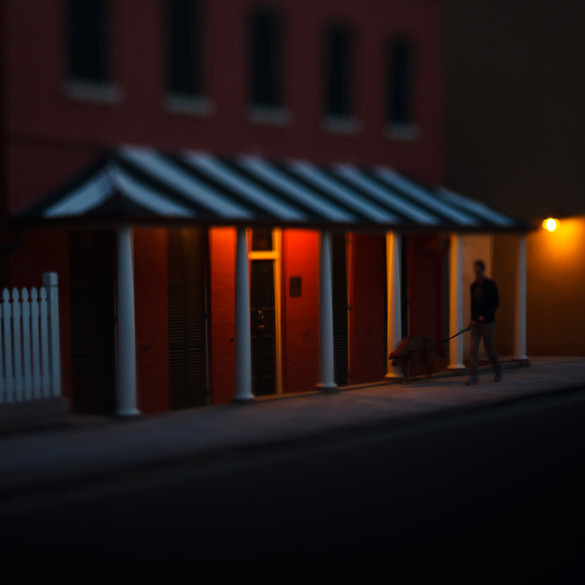
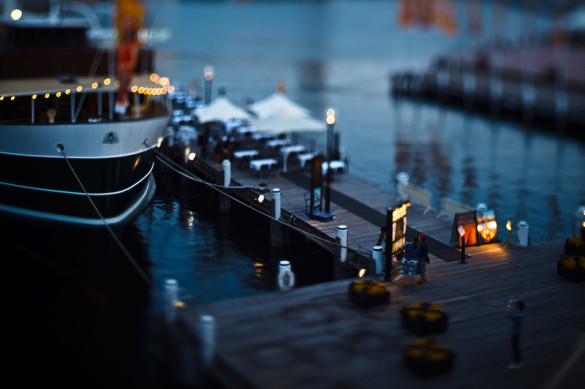
The lens is stunning! The sharpness, bokeh, even lens flare, everything. Wide open is unbelievably sharp, bokeh is simply beautiful. Just see for yourself. All pictures shot at f1.7.

bokeh:


lens flare:


sharpness:

The only problem is that it has a greenish colour cast. That could have been an issue in late 70 when the lens was actually manufactured but not now in digital era. I think it is my favorite lens at the moment, just love the results. I shoot using manual focus quite often anyway as it removes the need for re-framing the shot (check this post), the lens flare on glass without all the coats looks really cool and this bokeh is just unbeatable. And it is so sharp even wide open that it is hard to believe.


Share
Tags: , , , , ,